SVENNISAI
Activating AI in one department means choosing one repetitive workflow and connecting Claude to the system that team already uses. You prove the result there before any other team starts. The method is the same for AI in HR, for a support desk and for a sales team. Only the system changes: HR records, a helpdesk or a CRM.
This guide is part 2 of 3 in our series on Department Activation. Part 1, AI in the finance team: what Claude takes over and for whom, covers what Claude can take on. Part 3, Why AI works department by department: measured results in marketing and beyond, covers results. This post covers how the work is done: the stages, who does what, how long each step takes and how each step is checked.
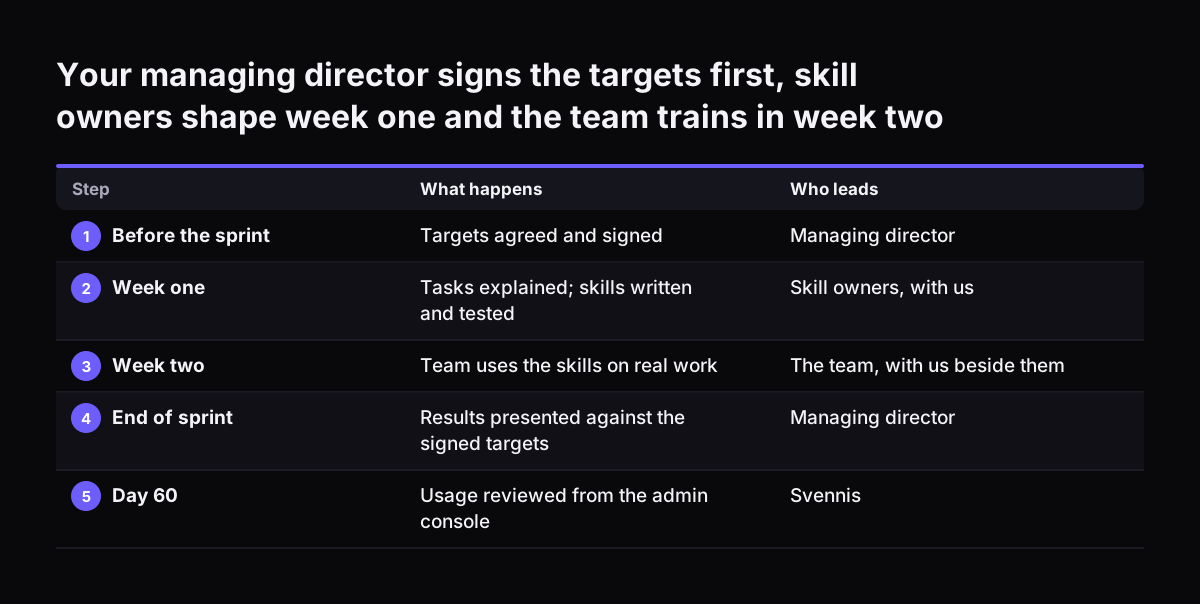
Department Activation is two weeks of focused work on one team, called a sprint. In a sprint, Claude is given a small set of that team's routines, and the team learns to use them. A sprint has a clear start and a clear end. It covers one department, not the whole company.
Starting narrow is not only our view. Salesforce's guide to AI agents for HR advises releasing the tool "to a single department first". StaffCircle gives the same advice for HR: pick one process, give it a named owner, and extend only once that pilot holds.